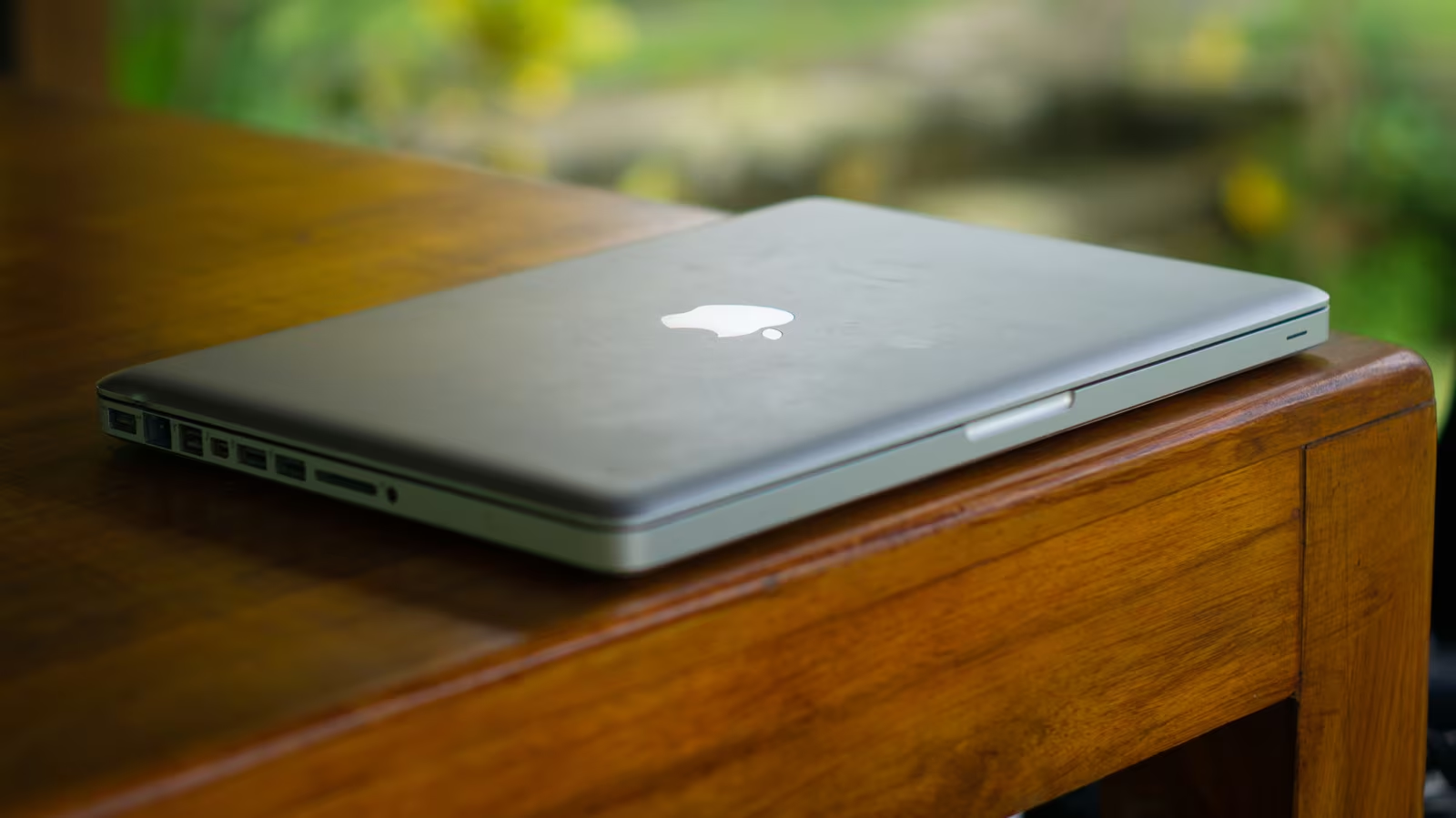
Don’t Discard: Transform Your Old Laptop into a Powerful New Tool
In an era where digital privacy is increasingly challenging to maintain and electronic waste is a growing concern, the temptation to simply discard an aging laptop is strong. However, these seemingly obsolete devices often hold untapped potential. Rather than contributing to landfills, your old laptop can be repurposed into a valuable asset, serving new functions that enhance your digital life, improve security, or even create entertainment hubs. As technology evolves at a rapid pace, understanding how to extend the lifecycle of your electronics is not just economical, but also environmentally responsible.
This guide explores five ingenious ways to breathe new life into your retired portable computer, transforming it from a dust collector into a functional and beneficial device in 2025.
Repurpose Your Laptop: Practical Applications for Older Hardware
1. Establish a Dedicated Privacy Machine
In today’s interconnected world, online privacy has become a paramount concern. With data breaches and surveillance becoming more common, having a secure, isolated environment for sensitive tasks is invaluable. An old laptop can be perfectly suited for this role, becoming a ‘privacy machine’ or ‘burner laptop’.
The core idea is to create a completely isolated system. This involves performing a clean installation of a privacy-focused operating system, such as a Linux distribution like Ubuntu or Fedora, which offers robust security features and fewer pre-installed data-gathering tools than proprietary systems. Crucially, this machine should never connect to your primary home network or any network where your main devices operate. Instead, use a public Wi-Fi network, a mobile hotspot, or a dedicated, isolated internet connection. This physical and logical separation ensures that any online activity on this machine cannot be easily traced back to your personal identity or compromise your main devices. It’s ideal for accessing sensitive accounts, conducting research without leaving a digital footprint on your main machine, or simply browsing with enhanced anonymity.
2. Create a Robust Home Server
Before the widespread adoption of cloud services, home servers were a common way to manage and share digital content. While cloud storage offers convenience, a dedicated home server built from an old laptop provides unmatched control, privacy, and often, faster local access to your data. This setup is particularly appealing for those who prefer to keep their data off third-party servers.
An old laptop, especially one with a decent processor and expandable storage, can be configured to run a server operating system like FreeNAS or Ubuntu Server. It can then serve multiple functions: a local network-attached storage (NAS) device for backing up family photos and documents, a media server streaming movies and music to smart TVs and other devices via software like Plex or Jellyfin, or even a personal cloud solution using platforms like Nextcloud. The portability of a laptop also means it can be discreetly placed and moved if necessary, and its built-in battery offers a rudimentary uninterruptible power supply (UPS) during short power outages.
3. Build a Dedicated Home Security System Monitor
Modern home security systems often come with sophisticated monitoring software and camera feeds. While these can be accessed via smartphones, a dedicated, always-on display offers continuous oversight without tying up your primary devices. An old laptop can be transformed into a central monitoring station for your smart home security setup.
By installing the appropriate software or web interfaces for your security cameras (e.g., Ring, Arlo, SimpliSafe, or local IP camera systems), the laptop can display live feeds, record footage, and alert you to any suspicious activity. This frees up your phone and main computer for other tasks and provides a constant, easily viewable security dashboard. Furthermore, some advanced users might integrate open-source home automation platforms like Home Assistant, turning the laptop into a comprehensive control panel for lights, thermostats, and other smart devices, enhancing both security and convenience.
4. Develop a Powerful Entertainment Hub
Even an older laptop, especially one with a functional screen and decent speakers (or the ability to connect to external ones), can be an excellent entertainment hub. This is particularly useful for guest rooms, children’s play areas, or even as a dedicated media center in your living room, separate from your main PC or smart TV interface.
Load it up with your favorite streaming apps (Netflix, Hulu, Disney+, YouTube), install a media player like VLC for local files, or even set up a retro gaming emulator. Connect it to a larger display via HDMI for a cinematic experience. For music lovers, it can become a dedicated music server, playing tunes through connected speakers. Its portability also means it can be easily moved between rooms or even taken on trips, providing a versatile entertainment solution without risking your primary, more expensive devices.
5. Create a Dedicated Kiosk or Information Display
For small businesses, public spaces, or even within a smart home, a dedicated information display can be incredibly useful. An old laptop, with its built-in screen and processing power, is an ideal candidate for this role.
Imagine setting it up as a digital photo frame showcasing family memories, a recipe display in the kitchen, a weather station, or a news ticker. For businesses, it could serve as a digital signage solution displaying menus, promotions, or welcome messages in a waiting area. With a simple web browser in full-screen mode or a custom application, it can present dynamic content continuously. This repurposing is especially effective for laptops with touchscreens, which can then be used for interactive kiosks in retail or educational settings, providing information or collecting feedback without constant human supervision.
Key Takeaways
- Privacy & Security: An old laptop can be a dedicated ‘burner’ machine for sensitive online activities, enhancing your digital privacy.
- Home Server: Transform it into a personal NAS, media server, or private cloud for local data control and streaming.
- Security Monitor: Use it as a constant display for home security cameras and smart home controls.
- Entertainment Center: Create a dedicated streaming and media playback device for any room or for travel.
- Information Kiosk: Repurpose it for digital signage, interactive displays, or a smart home information hub.
Conclusion: Maximizing Value and Minimizing Waste
Before you consider recycling or discarding your old laptop, take a moment to consider its potential for a second life. As demonstrated, these devices are far from useless and can be transformed into highly functional tools that address modern needs, from bolstering digital privacy to enhancing home entertainment and security. By repurposing your electronics, you not only save money but also contribute to a more sustainable approach to technology consumption, reducing electronic waste and maximizing the utility of your investments. In 2025, smart utilization of existing hardware is not just a clever hack, but a responsible and resourceful practice.
Consider which of these clever uses best fits your needs and give your old laptop a new purpose today.
Original author: Nichols deCourville
Originally published: October 18, 2025
Editorial note: Our team reviewed and enhanced this coverage with AI-assisted tools and human editing to add helpful context while preserving verified facts and quotations from the original source.
We encourage you to consult the publisher above for the complete report and to reach out if you spot inaccuracies or compliance concerns.